Property Alerts
Operational issues that need your attention
Property Alerts
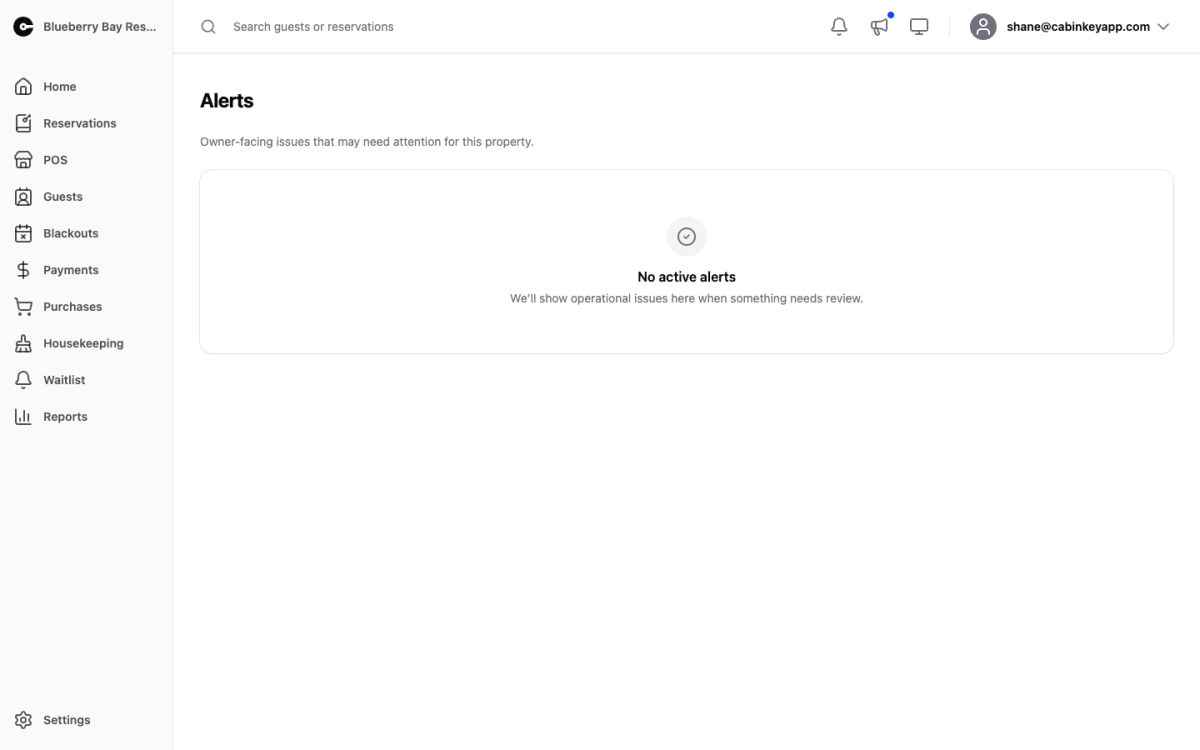 Click to enlarge
Alerts are the things CabinKey™ notices about your property that you would otherwise find out about the hard way — usually when a guest cannot book, or when an availability feed has quietly stopped updating.
The bell in the top bar shows a count when alerts are waiting, and clicking it brings you here. When everything is in order the page says so rather than showing an empty list.
What you see on an alert
Each alert is a card with a severity badge, the kind of problem, and a plain-language description of what is wrong. Two timestamps tell you how long it has been going on:
- First seen — when the problem was first detected.
- Last seen — the most recent check that still found it.
A problem with a first-seen date weeks ago and a recent last-seen date is ongoing, not historical.
Where CabinKey™ knows which page fixes the problem, the card carries a button straight to it. Missing future seasons link to Seasons; a failing blackout feed links to Blackouts.
Dismissing
Dismiss acknowledges an alert and clears it from the bell count. It does not fix the underlying problem — if the cause is still there, the alert can come back on a later check.
Dismiss is for alerts you have decided not to act on. For anything else, use the button on the card to go fix the cause, and the alert will resolve on its own.