Daily Rate Calendar
Set and override nightly rates unit by unit, day by day
Daily Rate Calendar
 Click to enlarge
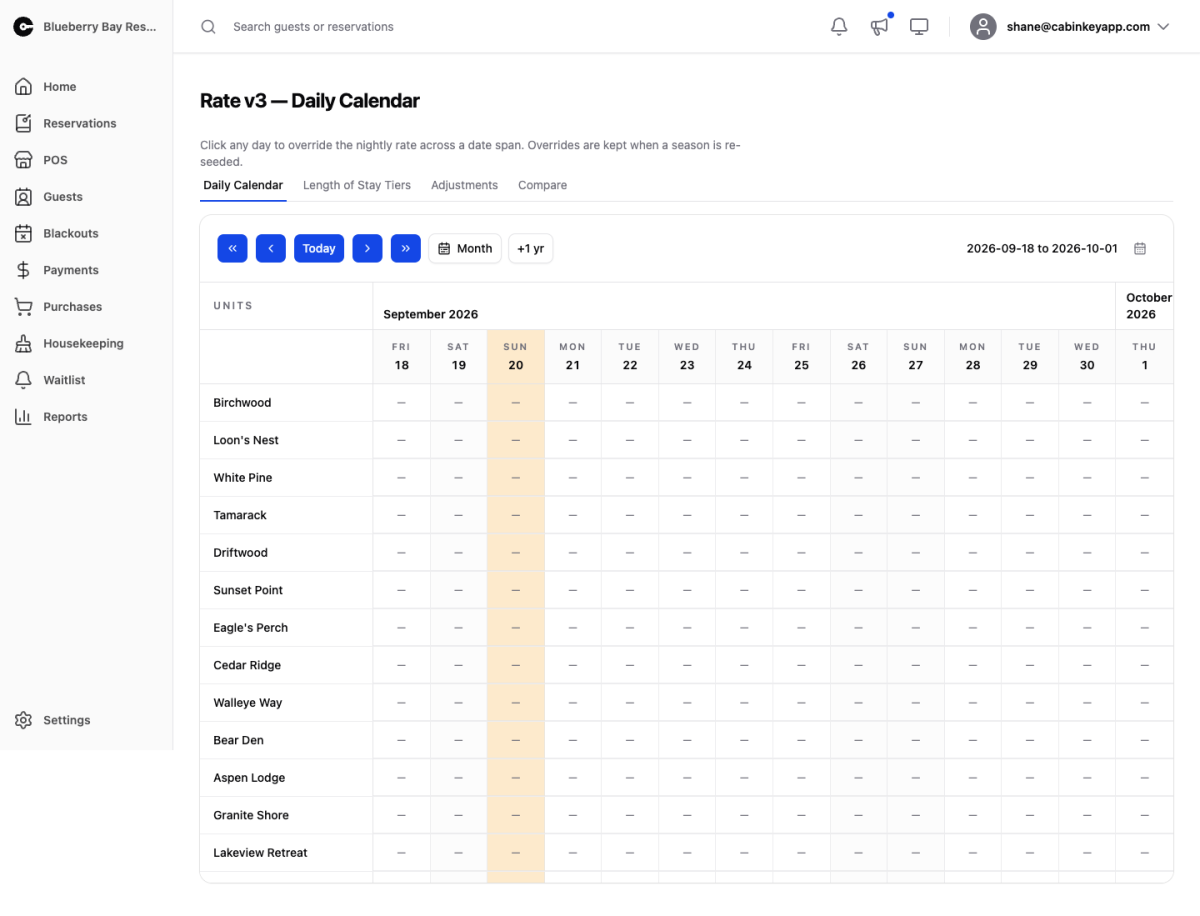
The daily calendar is the foundation of Rate v3. Every unit has a price for every night, and the calendar is where you see and change those prices. Everything else in Rate v3 — length of stay tiers and adjustments — is applied on top of the numbers you set here.
This is the main difference from Rate Plans in Rate v2. Instead of a plan that computes a nightly rate from a season, a weekly rate, and a set of rules, v3 stores one rate per unit per night that you can see and edit directly.
Rates are seeded from your seasons. When a season’s dates or rates change, the calendar is re-seeded to match — but any night you have overridden by hand is kept. Overridden nights are marked with a small dot so you can tell at a glance which prices were set deliberately and which came from the season.
Rate v3 only prices real bookings once the property is switched to it. Until then you can author rates here safely while v2 keeps quoting. See General Settings for the switch.
Rate V3 Tabs
 Click to enlarge
The four Rate v3 pages share this tab strip: Daily Calendar (this page), Length of Stay Tiers, Adjustments, and Compare. They are the whole rate engine — base prices, stay-length pricing, everything added or taken off, and a way to check your work.
Date Navigation
 Click to enlarge
The calendar shows a fortnight by default. The controls move that window:
- The single chevrons shift one day at a time; the double chevrons jump a whole window.
- Today snaps back to the current date.
- Month switches to a month-wide view, and Fortnight switches back.
- +1 yr jumps forward a year, which is the quickest way to check next season’s pricing.
- The date button on the right opens a range picker for going somewhere specific.
The window you are looking at is part of the page URL, so you can bookmark a date range or send someone a link to it.
Rate Grid
 Click to enlarge
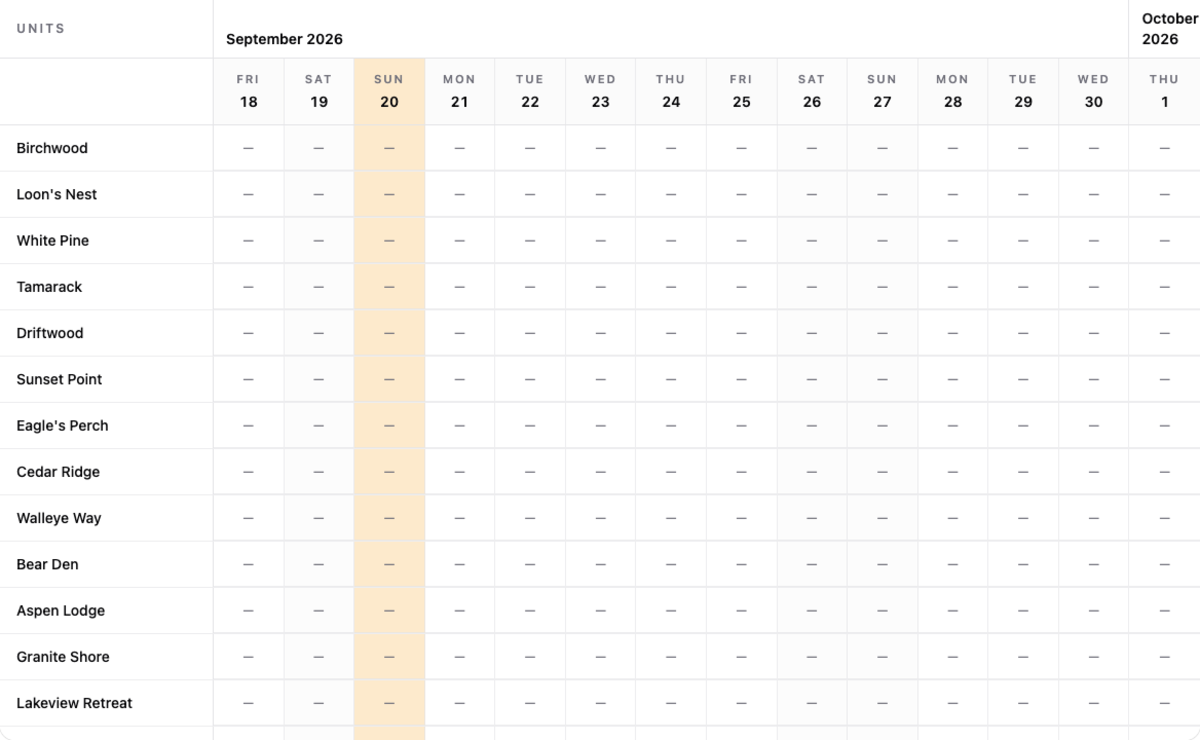
One row per unit, one column per night. Each cell shows that night’s rate rounded to whole dollars — nightly rates rarely carry cents, and dropping them keeps the grid readable. A dash means no rate has been set for that night yet, and that unit will not be quotable for a stay covering it.
A dot under the price means the night was overridden by hand rather than seeded from a season.
Click any cell to open the override dialog. It opens on the night you clicked, but it takes a date range: set a start and end date and a nightly rate, and every night in that span is set for that unit. That makes it quick to price a holiday weekend, a shoulder week, or a whole month without clicking each night.
Overrides apply to one unit at a time. To change a price across many units at once, adjust the season the rates are seeded from and let the calendar re-seed.