Guests
Every guest, with search, merging, and archiving
Guests
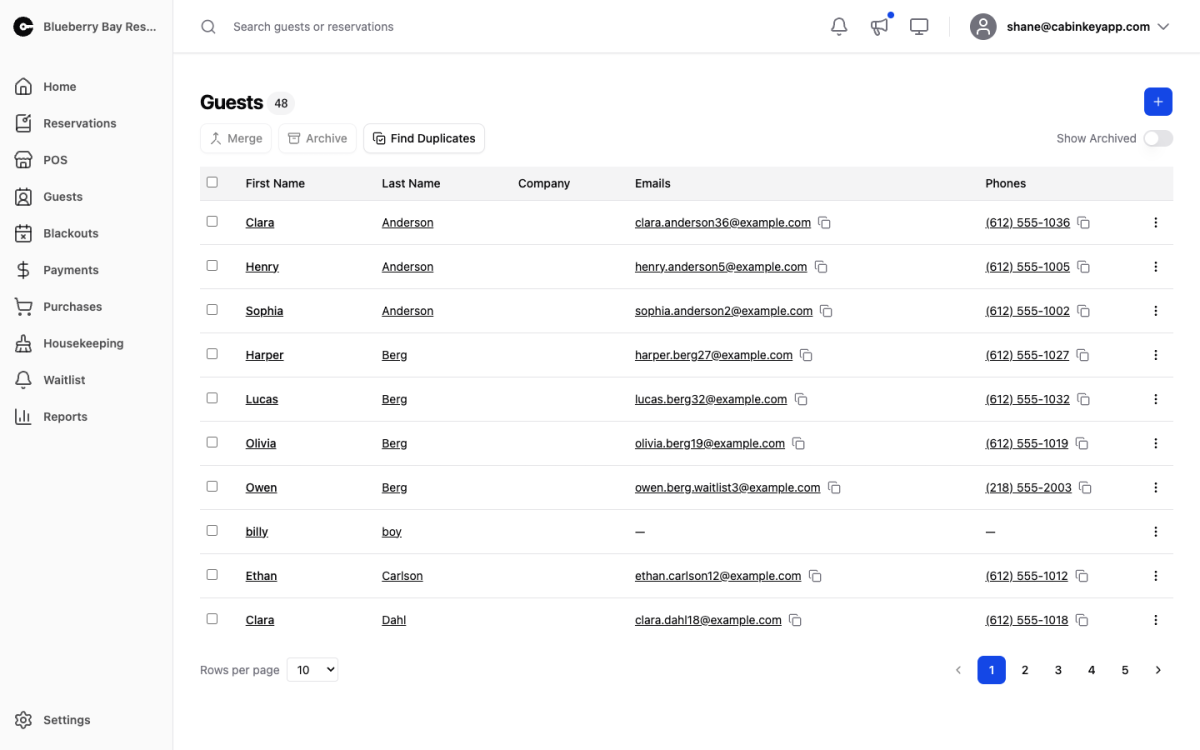 Click to enlarge
Everyone who has stayed with you or is about to. Search by name, company, email, or phone — the phone and email searches are the useful ones when someone calls and you are not sure how their name was spelled at booking.
Click a row to open their guest page.
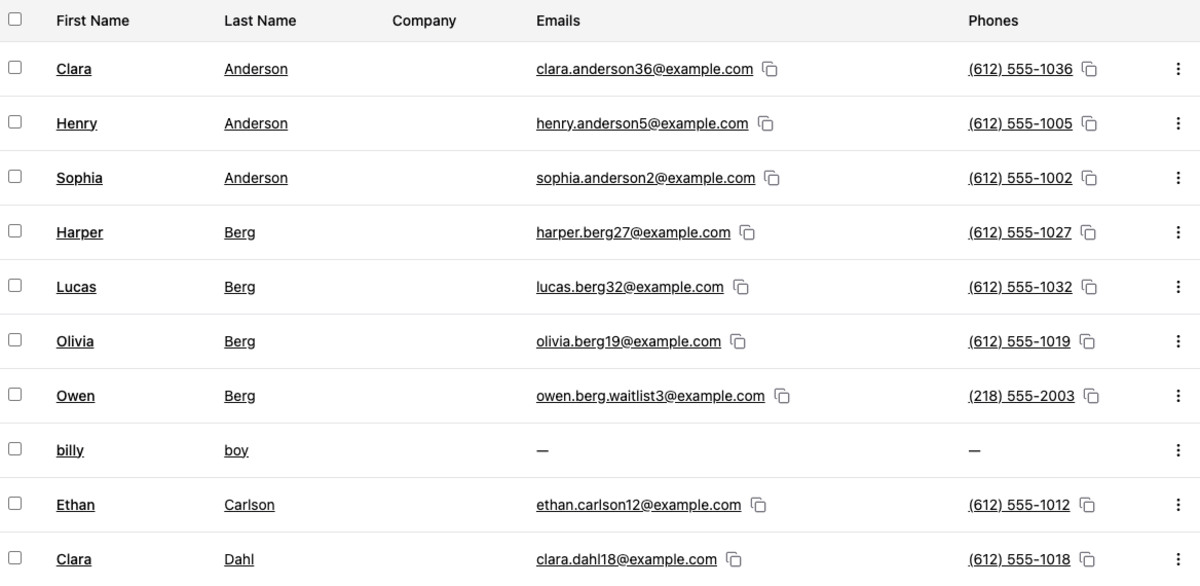
Guest Table
 Click to enlarge
Select several guests to act on them together:
- Merge folds duplicate records into one, moving contact details, notes, and reservations onto the record you keep. Use this when you already know which records are duplicates; to have CabinKey™ find them for you, use Duplicate Guests instead.
- Archive tucks guests away without deleting anything. Their history, reservations, and revenue stay intact and keep counting on reports — archiving is about keeping your working list short, not about removal.
Show Archived brings archived guests back into view, which you need when a guest you filed away books again.
Create New Guest adds a record — name, contact details, address — and opens their page. Most guests arrive through bookings, so this is mainly for phone reservations and walk-ins.
Keeping the list clean
Duplicates accumulate quietly: a guest books with a work email one year and a personal one the next, or a spouse makes the second booking. Split records mean split history, which understates how loyal your guests actually are on the Guest Loyalty and Return Rate reports.
A pass through Duplicate Guests before a season, or before any email to your guest list, is worth the few minutes.