Report Subscriptions
Have reports emailed to you on a schedule
Report Subscriptions
 Click to enlarge
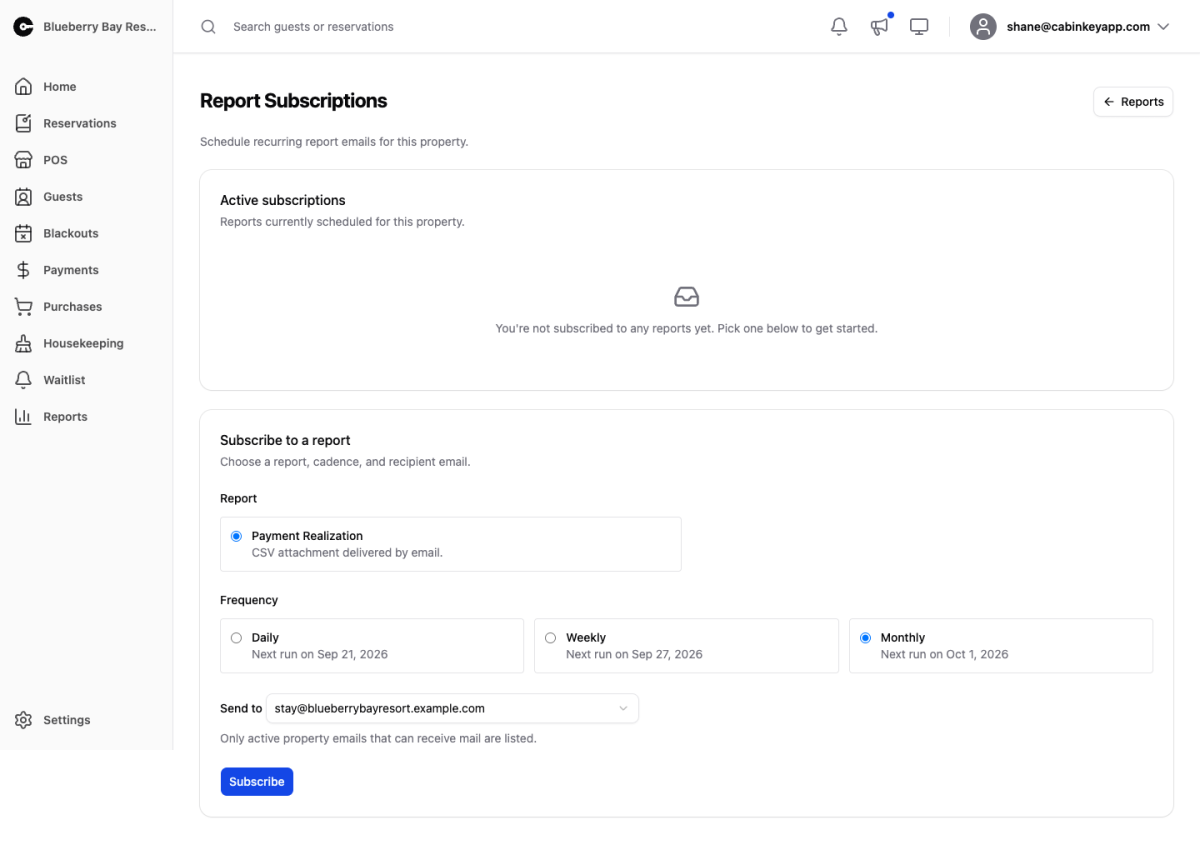
Have reports emailed on a schedule instead of pulling them by hand.
The value is less about saving the clicks and more about the reports you would otherwise never run. Revenue gets checked because you are curious about revenue; utilization and return rate are the ones that quietly go unexamined for a season, and those are exactly the ones worth arriving uninvited.
Active Subscriptions
 Click to enlarge
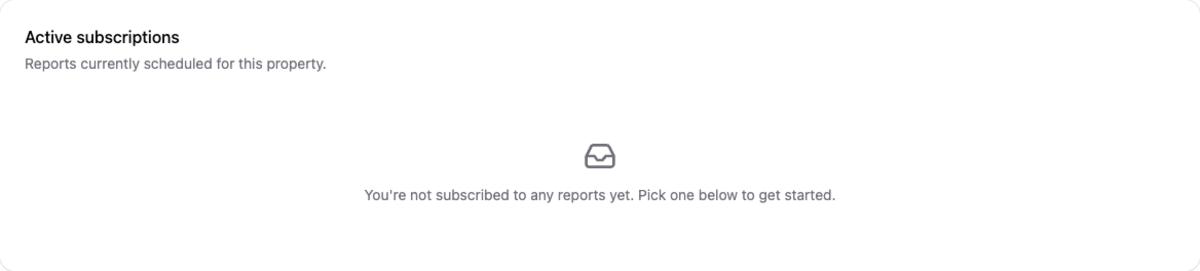
Everything currently scheduled for this property, with its frequency, recipient, status, and the next and last run times.
The last run time is the one to check when someone says a report stopped arriving — it tells you whether the problem is the sending or the receiving.
Pause stops delivery without losing the configuration, which suits a seasonal property in the off-season. Resume starts it again, and Delete removes it for good.
Subscribe to a Report
 Click to enlarge
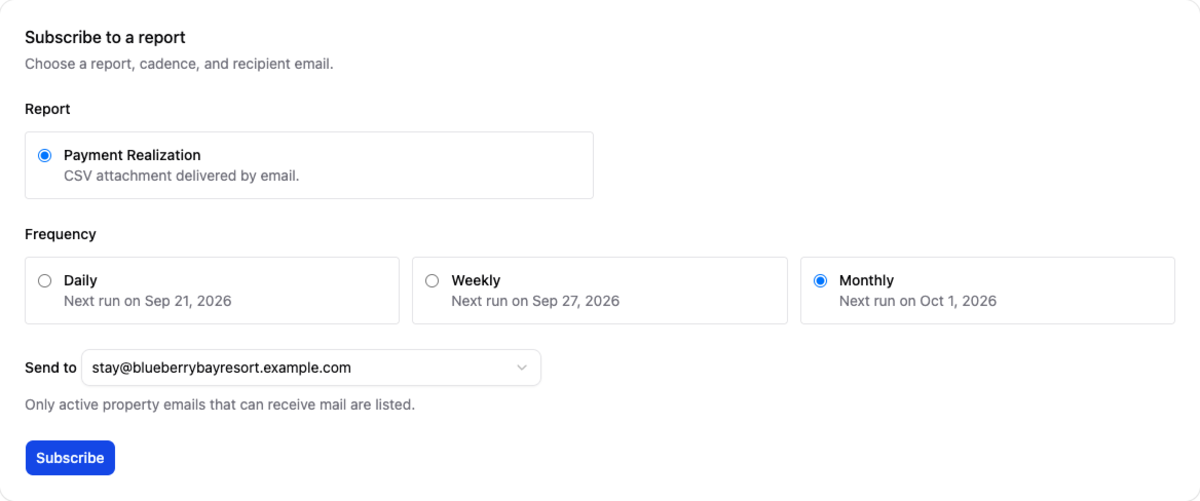
Choose a report, a cadence, and a recipient. The report arrives as a CSV attachment.
Match the cadence to how fast the number moves and what you would do about it. Weekly suits anything operational during your season — payments, revenue, utilization — because there is still time to act. Monthly or quarterly suits the reports you act on between seasons, like guest loyalty and taxes, where a weekly copy is just noise.
Recipients come from the property’s contact emails, and only active addresses that can receive mail are listed. If the person you want is not in the dropdown, add their address there first.
A shared operations inbox is usually a better recipient than one person’s address — reports keep arriving when that person is away, and nothing has to be reassigned when they leave.