Logo & Branding
The logo and header image on your guest-facing pages
Logo & Branding
 Click to enlarge
Brand the pages guests see when they search and book.
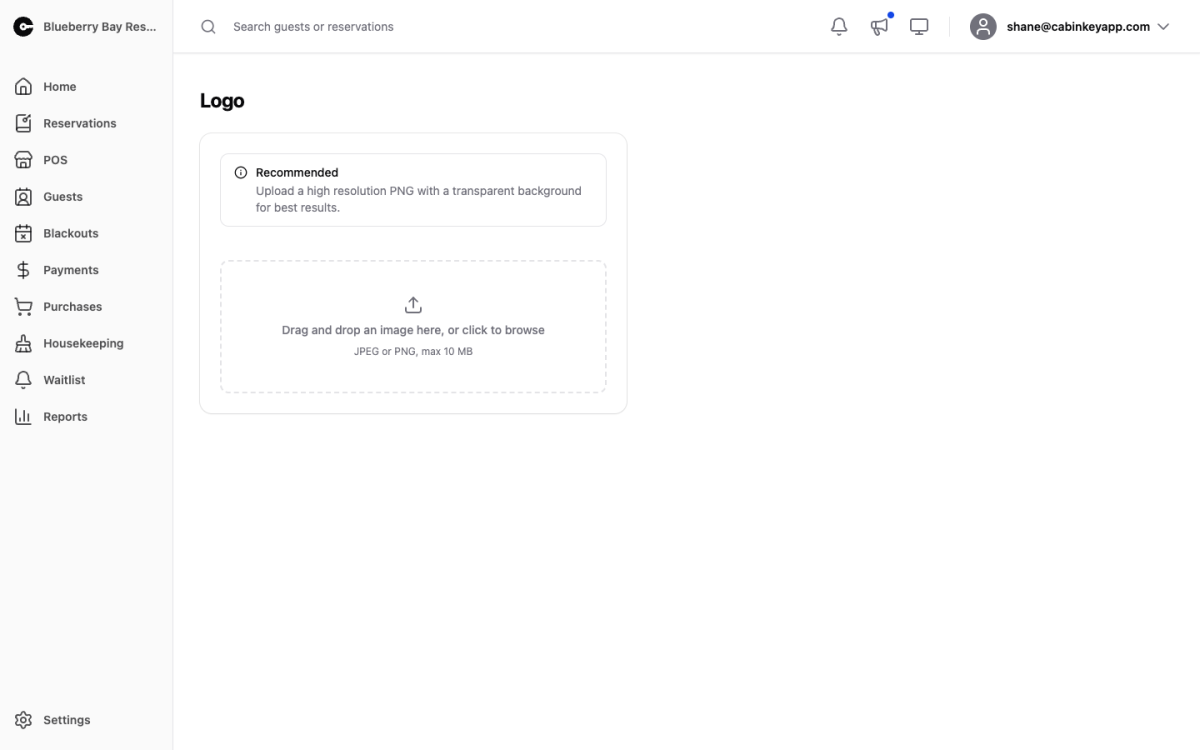
- Logo — appears on your search and booking pages. A high-resolution PNG with a transparent background works best, because it sits correctly whatever is behind it; a JPEG logo arrives with a white box around it.
- Header Image — appears under the logo on the search page, as the banner across the top.
Drag and drop an image or click to browse. JPEG or PNG, up to 10 MB.
Why it is worth doing
For most guests the CabinKey™ booking page is a step in the middle of a journey that started on your own website or a search result. Arriving at an unbranded page makes people hesitate about whether they are still in the right place — and hesitation at the payment step costs bookings.
A logo and header that match where the guest came from make the booking page feel like yours rather than a third party’s.
Choosing the images
The header is a wide banner, so pick something that works in that shape: a landscape, the waterfront, the lodge exterior. A tall image or a busy one with detail in the middle will not survive the crop.
Avoid text baked into the header image. It will not scale well on a phone, and it repeats whatever the page already says.
Check the result on the Preview page, on a phone as well as a desktop — most guests are booking on a phone, and that is where a header crops hardest.