Contact Settings
The property's public contact details and mail recipients
Contact Settings
 Click to enlarge
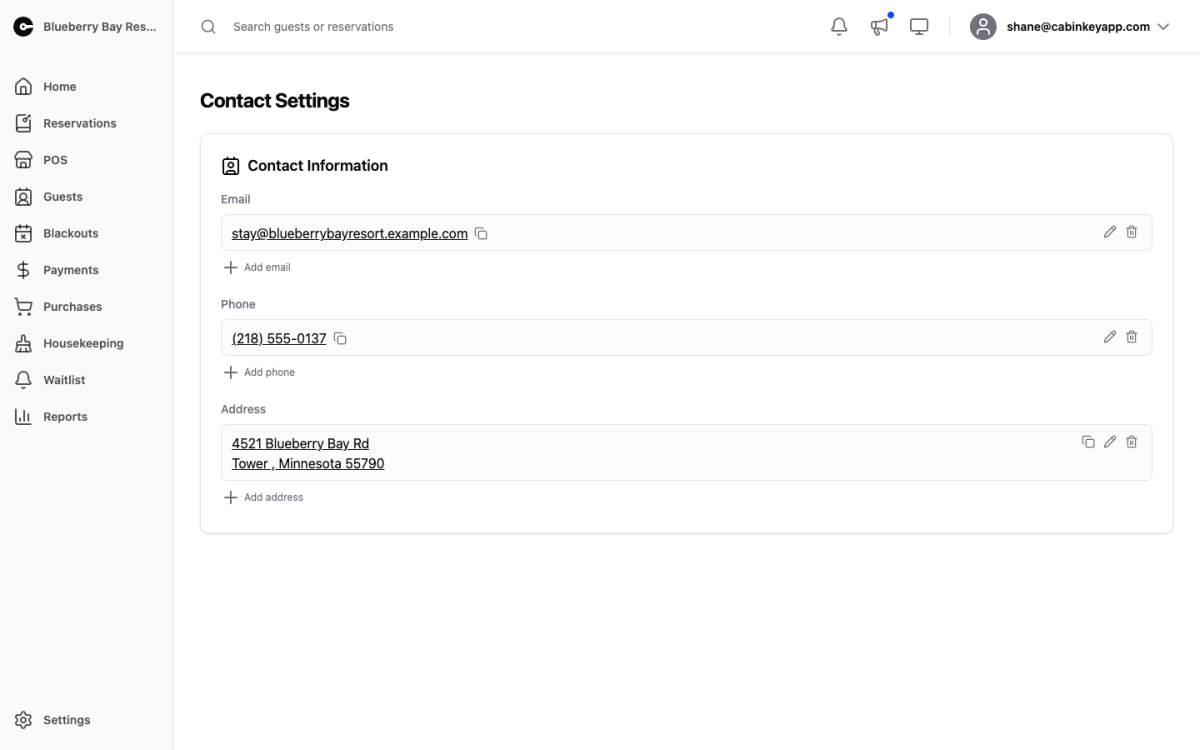
The property’s contact information — what guests see, and where CabinKey™ sends property mail.
- Email — one or more addresses. As well as being shown to guests, these become the eligible recipients for report subscriptions and email template notifications.
- Phone — the numbers guests can call.
- Address — the property’s mailing address.
This is the property’s contact info, separate from the personal details on your own profile. Changing your personal email does not change what guests see, and vice versa.
Email addresses do double duty
The email list is not only display. Anywhere CabinKey™ needs to send you something — a scheduled report, a booking notification, a copy of what a guest received — it offers addresses from this list.
That has two consequences worth knowing:
- An address you want notifications sent to has to be added here first. If a recipient you expect is missing from the Email Templates or Report Subscriptions dropdown, this is why.
- Only active addresses that can actually receive mail are offered, so a bouncing address will quietly drop out of the options.
A shared inbox usually works better here than one person’s address. Reservations and reports keep arriving when that person is away, and a departing staff member does not take the notifications with them.
Use several addresses where the audiences differ — a general enquiries address guests see, and an operations address that takes the reports.