My Properties
Switch between the properties you manage
My Properties
 Click to enlarge
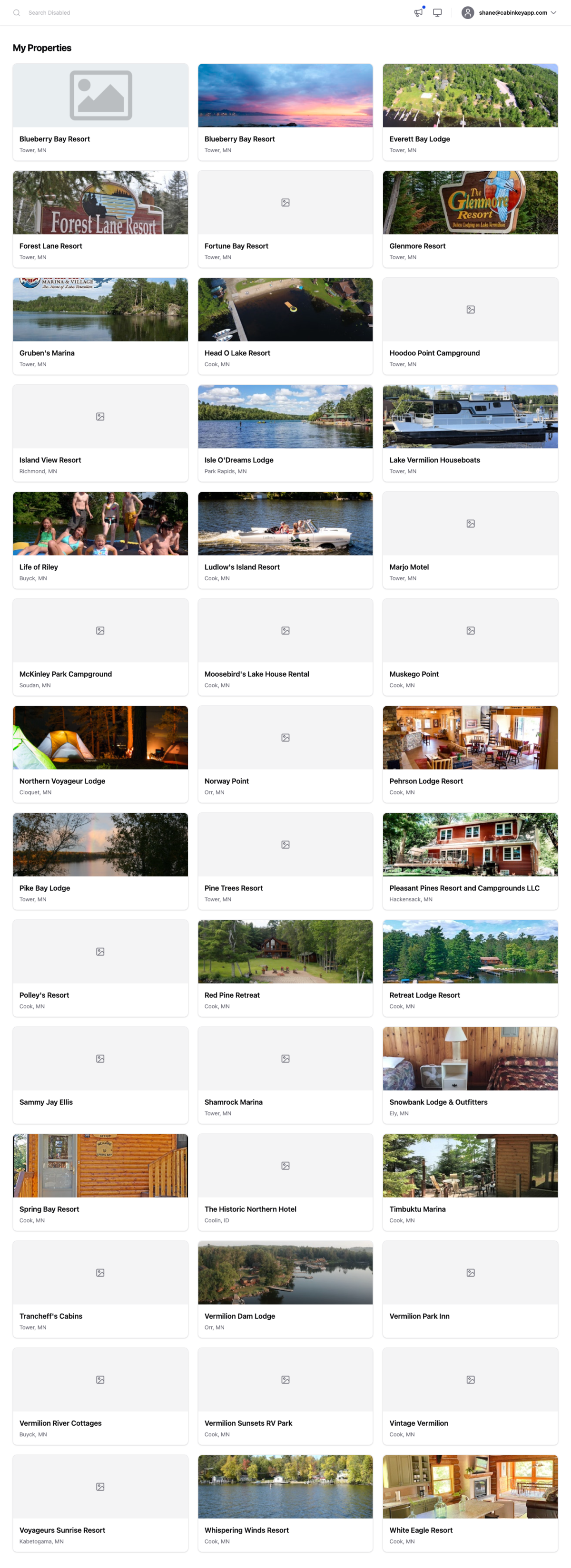
Every property your account has access to, as a grid of cards showing each one’s featured image, name, and location. Click a card to open that property’s home page and start working in it.
If you manage a single property this is mostly a pass-through — Dash takes you straight there when you sign in. If you manage several, this is how you move between them, reached from the menu under your email address in the top bar.
Everything else in Dash is scoped to whichever property you picked here. Reservations, guests, units, rates, reports, and settings all belong to one property, so the first thing to check when a number looks wrong is that you are in the property you meant to be in. The name in the sidebar tells you which one that is.
A card with no image means the property has no featured image set; add one under Property Images.
If a property you expect is missing, your account has not been given access to it. Property access is managed per property on its Users page, so an owner or manager there can add you.