Rate Adjustments
Discounts and mark-ups layered on top of a rate plan
Rate Adjustments
 Click to enlarge
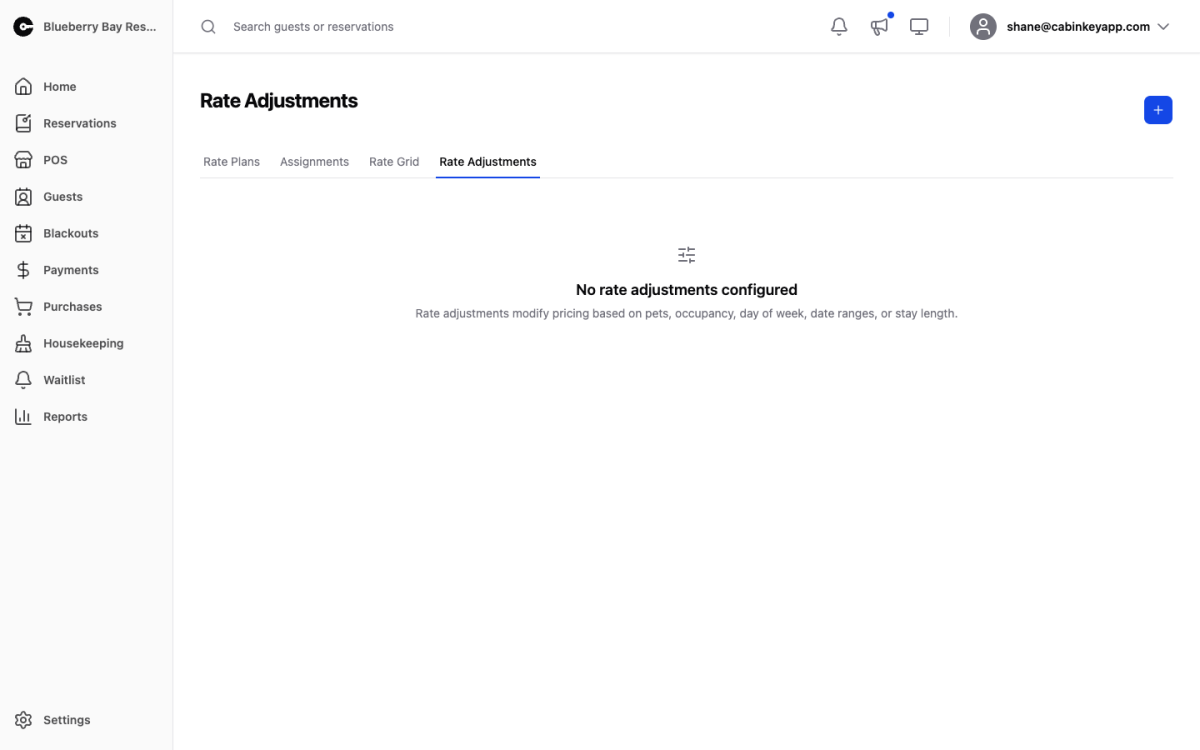
Rate adjustments modify pricing on top of a rate plan’s base rates, as discounts or mark-ups. Create them here, then attach them to the plans they should apply to.
This is the Rate v2 equivalent of Rate v3 adjustment rules. If your property is on v3, use that page instead — check which engine you are on under General Settings.
An adjustment does nothing until it is attached to a plan. You can attach one from a plan’s detail page, or to many plans at once by selecting them on the Rate Plans list.
The types
New Rate Adjustment offers five:
- Date Range — a percent or fixed amount for stays inside a date window. Holiday premiums and shoulder-season discounts, without creating a whole season for them.
- Day of Week — a percent or fixed amount on chosen days. Weekend premiums and midweek discounts, the most commonly used type.
- Occupancy — Per Age Group — per-night or per-week charges for each age group beyond the unit’s included occupancy. This is what makes the difference between a unit’s capacity and its occupancy on the unit detail page actually earn anything.
- Pets — Per Pet — a per-pet charge.
- Stay X Nights — length-of-stay specials: get Y nights free, a fixed amount off, or a percent off, optionally applied to only N nights. “Stay 7, pay 6” lives here.
Each is marked Discount or Mark Up, and the table summarizes its category, calculation, and effect.
Using them well
Adjustments are reusable, so create one “Weekend Premium” and attach it to every plan that should have it, rather than one per plan. When the premium changes you edit it once.
Watch for adjustments that stack in ways you did not intend — a date-range holiday premium and a day-of-week weekend premium both apply to a holiday Saturday. That is often correct, but it should be a decision rather than a surprise. After setting up or changing adjustments, price a few realistic stays and check the totals are what you meant to charge.