Blackouts
Take units and add-ons out of service for a date range
Blackouts
 Click to enlarge
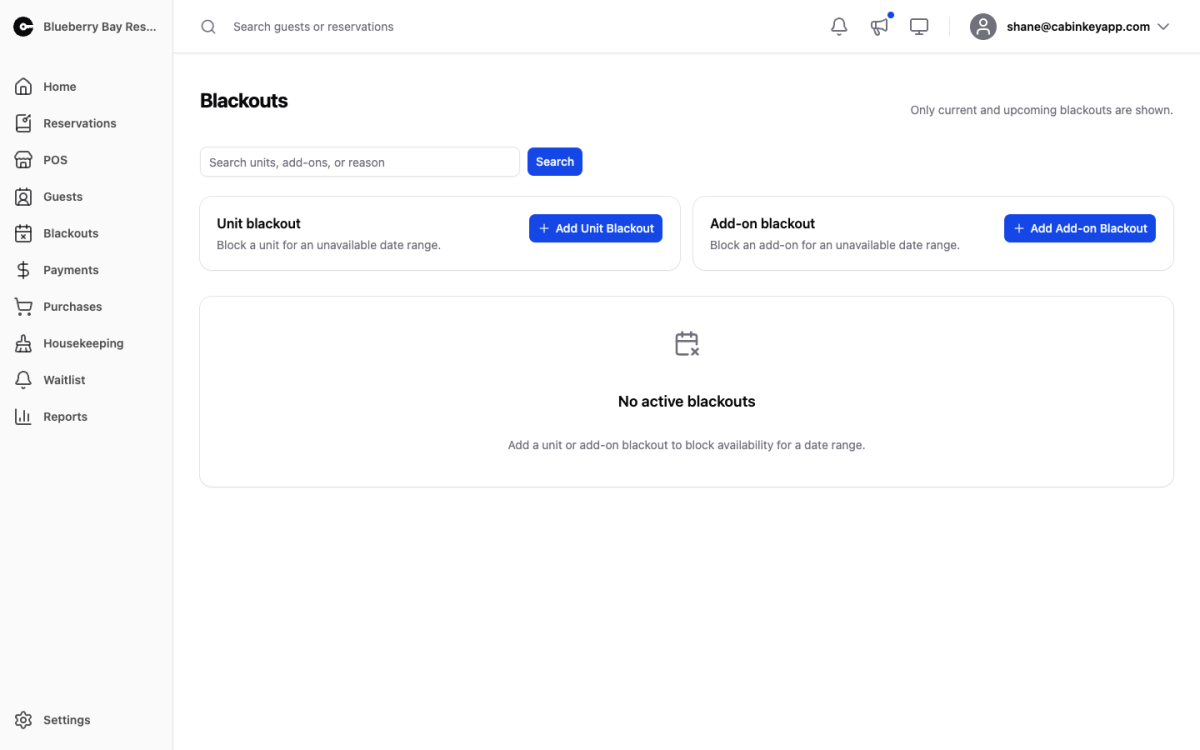
A blackout blocks a unit or add-on from being booked for a date range — maintenance, renovations, personal or family use, a boat out of the water, anything that takes a resource out of service.
Blackouts are not cancellations and not bookings. They make the resource unbookable and show as such on the reservation calendar, and they are excluded from bookable nights on the Utilization Report — so closing a cabin for a month does not make its occupancy look terrible.
Only current and upcoming blackouts are listed; past ones drop off on their own. Search to filter.
Unit Blackout
 Click to enlarge
Tick the units to block, pick the start and end dates on the calendar, and save. Select all blocks every unit at once, which is what you want for a closed season, a power outage, or a road washout that takes the whole property offline.
Because it takes several units in one go, “cabins 3 through 7 are closed while the deck is rebuilt” is one blackout rather than five.
Add-on Blackout
 Click to enlarge
The same, for add-ons, with the same multi-select and Select all.
Add-ons often need blocking on their own schedule — a boat out for servicing while the cabins stay open, or equipment unavailable until the water warms up.
Imported blackouts
Blackouts created automatically from external calendars are marked Imported. These come from the calendar sync you set up on a unit’s detail page, so a booking taken on Airbnb or VRBO blocks the same dates here and you do not get double-booked.
Imported blackouts are maintained by the sync. Deleting one by hand does not cancel anything on the other platform, and the next sync is likely to bring it back — fix the booking at its source instead.
If a feed stops working, it shows up as an alert on the Alerts page. Take those seriously: a stale feed means the external platform is still selling dates that CabinKey™ no longer knows are taken.
Edit or delete any blackout from its row. Deleting one puts the dates straight back on sale.