Stripe Report
Charges, fees, and payouts from your connected Stripe account
Stripe Report
 Click to enlarge
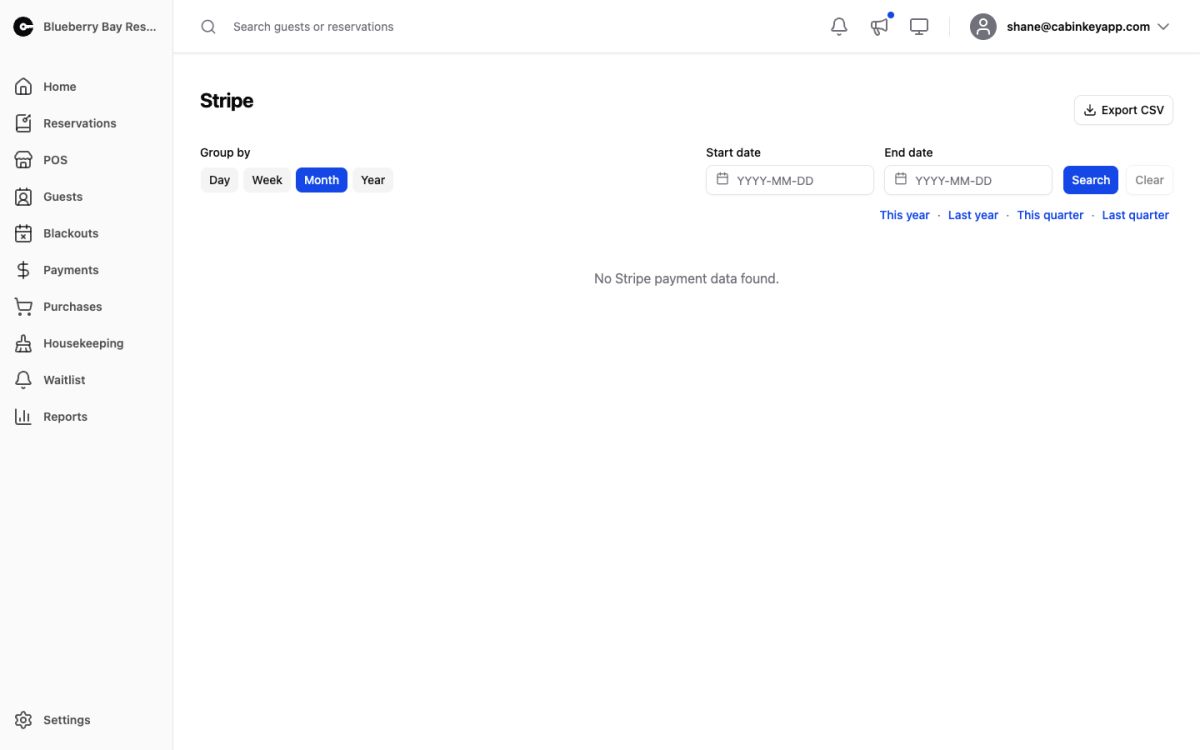
Card activity as Stripe sees it, from the account connected on the Payments page. This is the report that explains the gap between what a guest paid and what landed in your bank account.
Filters
 Click to enlarge
The shared Group by, date range, and quarter and year presets.
Report Table
 Click to enlarge
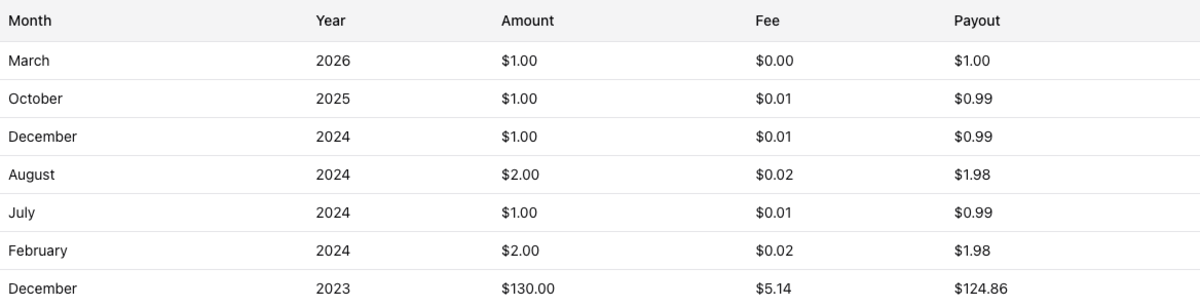
Three columns per period:
- Amount — what guests were charged.
- Fee — what Stripe took for processing it.
- Payout — what was actually transferred to your bank.
Fees are a real cost of doing business and they do not appear in the Revenue Report, which records what the guest paid. If you are reconciling a bank deposit, this is the report that ties out; if you are measuring the business, use Revenue.
Payout timing lags charges by Stripe’s payout schedule, so a period’s payout total will not match its charge total. Over a long enough range they converge.
Export CSV exports the filtered range.