Rate Plan Detail
One plan's rates, adjustments, and assignments
Rate Plan Detail
 Click to enlarge
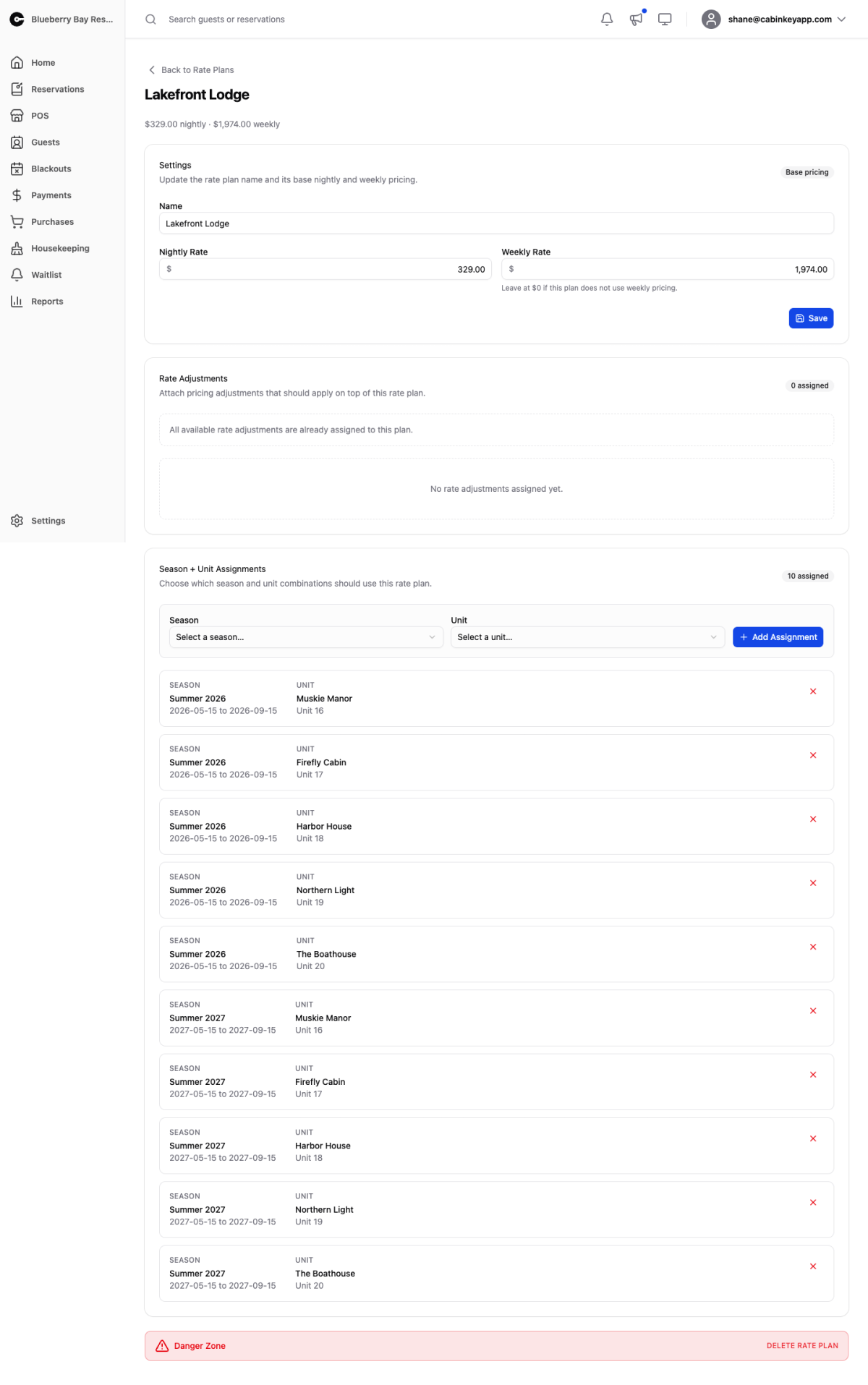
One rate plan in full.
Settings
The plan’s name and base pricing.
Set the nightly rate, and a weekly rate if you offer one. Leaving the weekly rate at $0 means the plan has no weekly pricing and a seven-night stay is simply seven nights at the nightly rate.
Name plans for what they price rather than what they cost — “Lakefront Cabin” survives a price change, “Cabin $150” does not.
Rate Adjustments
The adjustments layered on top of this plan’s base rates: pet fees, occupancy charges, day-of-week pricing, length-of-stay specials.
The base rate is what the unit costs before any of this. Adjustments are where weekend premiums, extra-guest charges, and long-stay discounts come from, so a plan with a sensible-looking nightly rate can still quote something unexpected if its adjustments say so. When a quote surprises you, this is the list to read.
Season + Unit Assignments
Which season-and-unit combinations use this plan. A unit uses exactly one rate plan per season.
Assignments can also be made from the assignments grid, which is better for reviewing coverage across all units at once. Work from here when you are setting up one plan; work from there when you are checking nothing has been missed.
Danger Zone
Deleting a plan permanently removes it and all of its assignments, and cannot be undone.
Check the assignment count first. Deleting a plan that is still assigned leaves those units with no pricing for those seasons, which means they stop appearing in guest search results — and because the unit itself looks fine, the cause is not obvious. Reassign the units first, then delete.