Payments
Every payment across the property, and your Stripe connection
Payments
 Click to enlarge
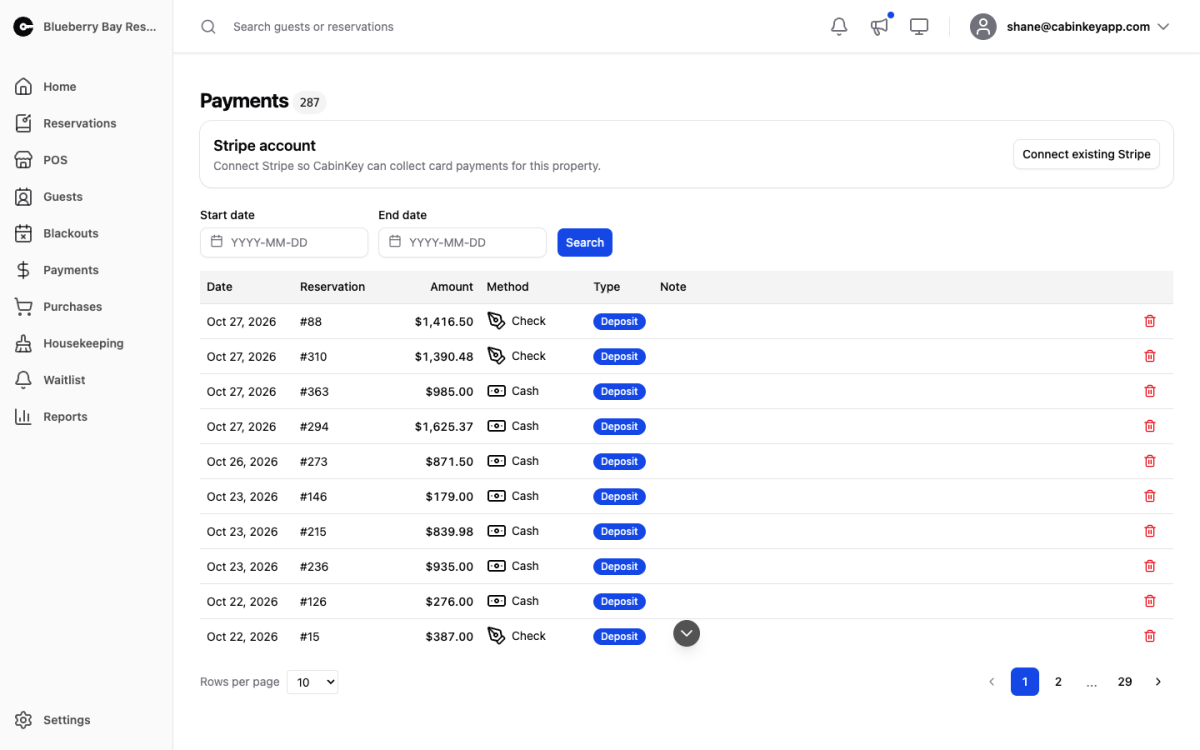
Every payment taken against this property, across all reservations, in one ledger. When you need to answer “did this guest pay” or “what came in last Tuesday”, this is the page — the count beside the heading tells you how many payments match what you are currently looking at.
The Payments Report aggregates the same money into periods for reconciliation. Use this page to find an individual transaction, and the report to tie out a month.
Stripe Account
 Click to enlarge
Connect Stripe so CabinKey™ can take card payments for this property. Until an account is connected, cards cannot be charged online at all — guests can reserve, but they cannot pay, which is the usual cause of a new property taking bookings with nothing collected.
Once connected, Open in Stripe jumps to your Stripe dashboard for payouts, disputes, and anything else that belongs on Stripe’s side. Disconnecting stops new card payments; it does not affect payments already taken.
For the fees and payout timing behind these charges, see the Stripe Report.
Finding a payment
 Click to enlarge
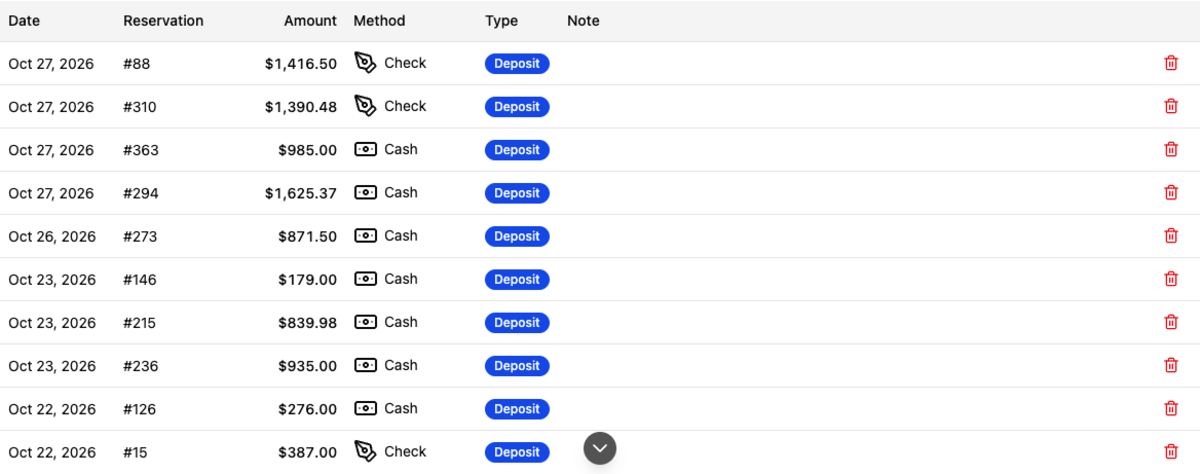
Set a Start date and End date and Search to narrow the ledger to a window; Clear goes back to everything. Paging controls sit at the bottom, along with a rows-per-page selector.
Searching by date is the fastest route to a specific transaction, since it is usually what you know — the guest said they paid on a particular day, or your bank statement shows a deposit you want to trace.
Payments Table
 Click to enlarge
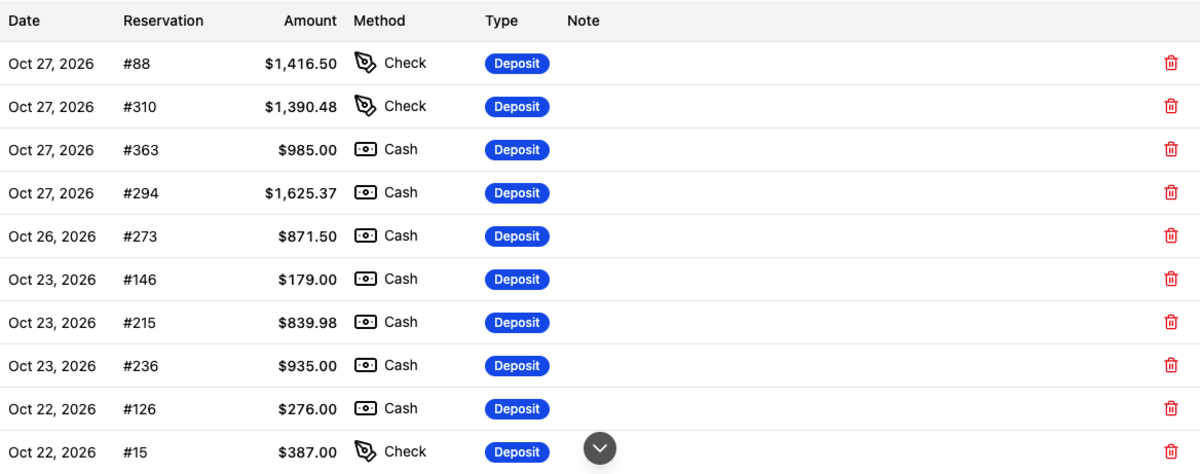
Each row carries the date, reservation, amount, method, type, and any note recorded at the time. Deposit payments are flagged, which lets you separate money that is holding a future booking from money paid against a stay already taken.
View opens the reservation the payment belongs to, where you will find the rest of its financial history.
Deleting a payment removes the record entirely. It does not refund the guest — refunds happen in Stripe or by whatever means you took the money. Use delete only to correct a mis-keyed manual entry, never to reverse a real transaction, or your books and your bank will disagree.