Unit Images
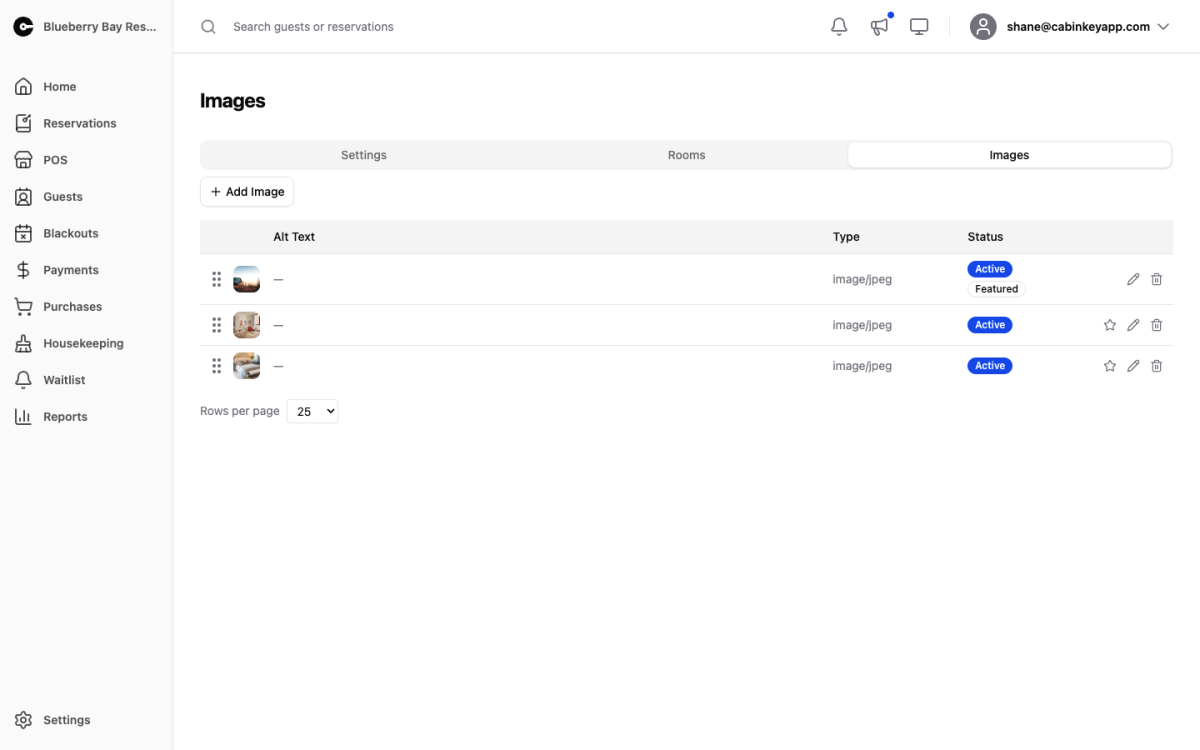
The photos guests see when booking this unit
Unit Images
 Click to enlarge
The photos guests see for this unit when searching and booking. For a property people cannot visit before they buy, these images do more selling than any other part of the system.
Image Gallery
 Click to enlarge
Drag and drop to upload, or click to browse. Drag to reorder — the order here is the order guests see. Mark one as featured to make it the unit’s cover photo, and delete anything you no longer want shown.
 Click to enlarge
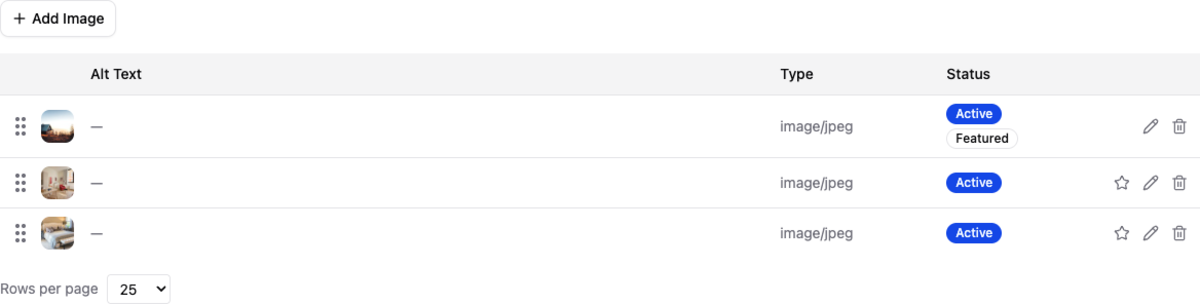
The list view of the same images, which is easier when you are reordering a long gallery or checking exactly which one is featured.
What to show
The featured image is the one that appears in search results, so it carries the most weight. A well-lit exterior or the view from the unit usually converts better than an interior detail.
After that, sequence the gallery the way a guest walks through the place: outside, main living space, bedrooms, kitchen and bathroom, then the view and surroundings. Guests are trying to picture staying there, and a gallery that jumps around makes that harder.
Include the things people ask about before booking — the bathroom, where the beds actually are, the parking, the dock. Accurate photos of an ordinary kitchen cause fewer problems at check-in than no photo at all.