Property Images
The property-level photo gallery guests see
Property Images
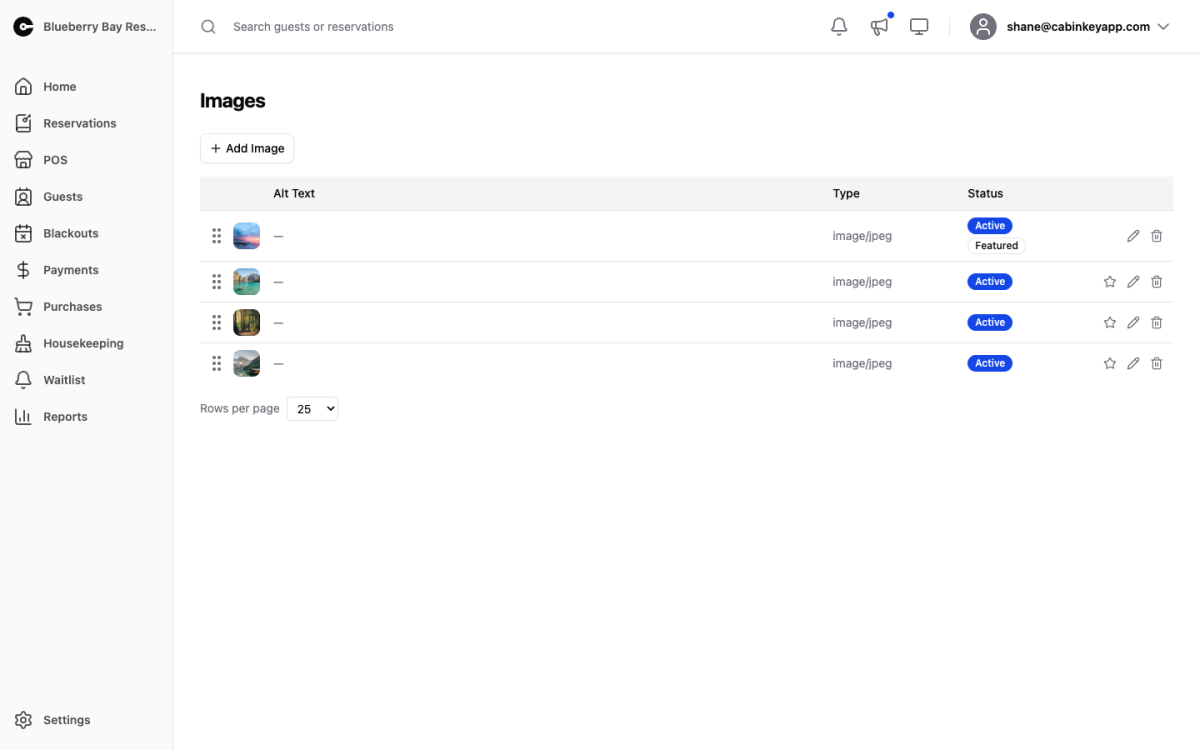 Click to enlarge
The property-level gallery, shown on your guest-facing pages. These are the photos that sell the place as a whole — the lake, the grounds, the lodge, the view — as distinct from what any one cabin looks like.
Image Gallery
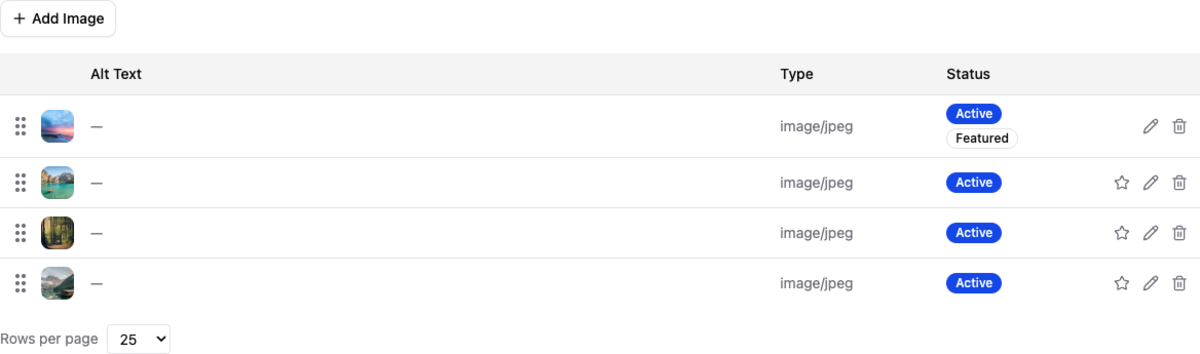 Click to enlarge
Drag and drop to upload, or click to browse. Drag to reorder — the order here is the order guests see. Mark one as featured to make it the property’s cover photo, and delete anything you no longer want shown.
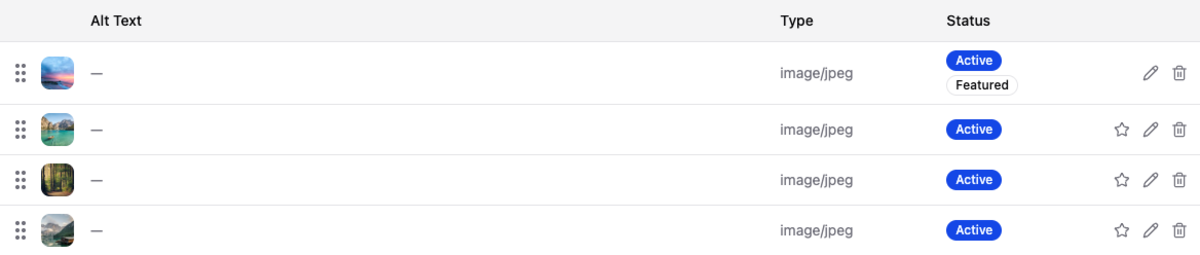 Click to enlarge
The list view of the same images, easier for reordering a long gallery or confirming which one is featured.
Property photos versus unit photos
Each unit and add-on has its own gallery, and the split matters to a guest deciding where to stay.
Property images answer “do I want to go here” — the setting, the water, the grounds, what there is to do. Unit images answer “do I want this one”, and that is where the interiors and the specifics belong.
Putting one cabin’s interior in the property gallery misleads everyone booking a different cabin. If a photo is about a specific unit, it belongs on that unit.
The featured image
The featured photo is the property’s cover and does the most work, so give it the best thing you have: the view, the waterfront, the place at its most characteristic. Golden-hour light and a season that looks like the one you are selling both help.
Refresh it when the season changes if your property looks meaningfully different — a snow-covered cover photo does not sell July.