Units
The things guests stay in
Units
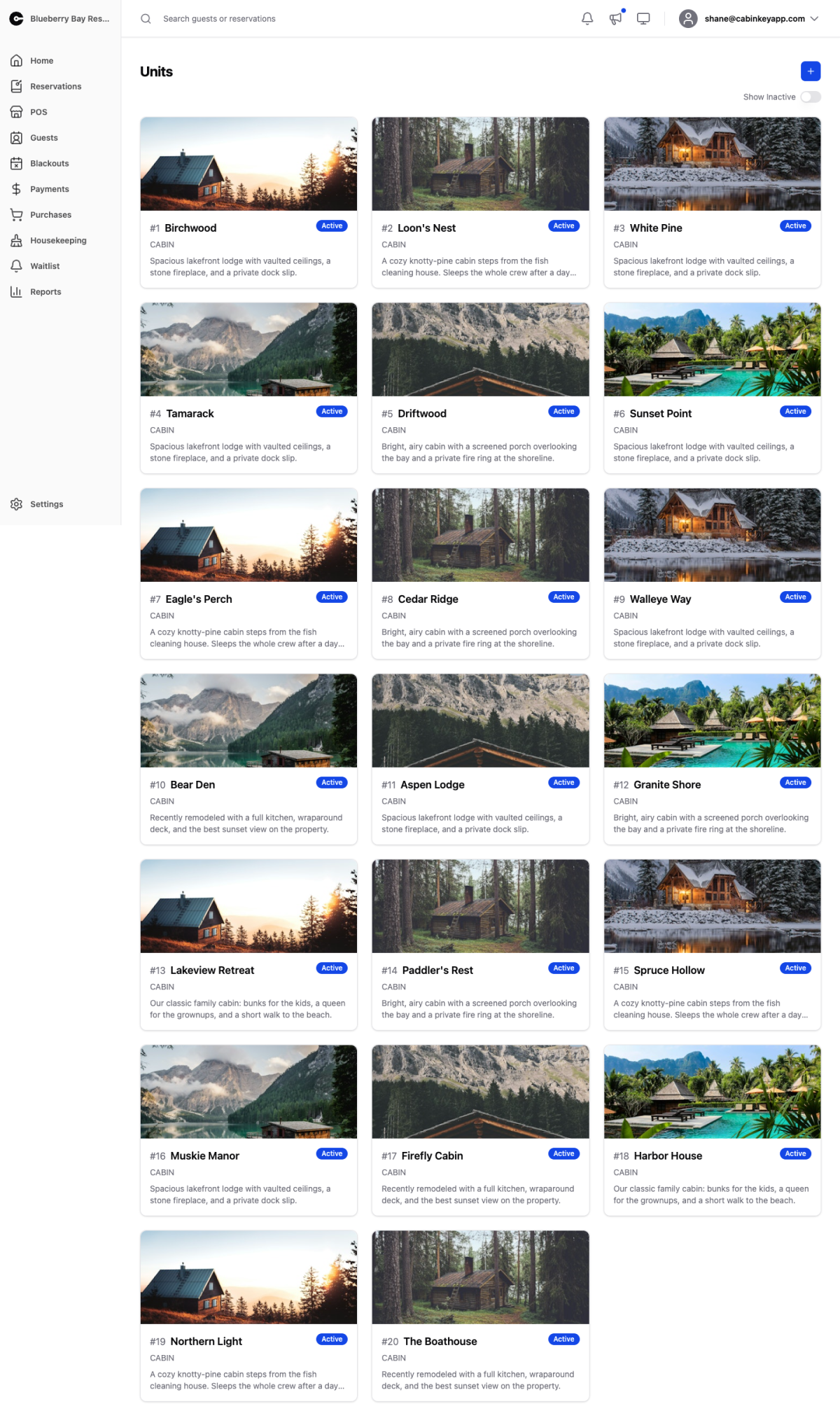 Click to enlarge
Units are what guests stay in — cabins, campsites, houseboats, rooms. Everything else in CabinKey™ hangs off them: rates are set per unit, availability is per unit, and revenue and utilization are reported per unit.
The list shows each unit with its type and status. Click one to open its detail page.
New Unit adds one. Show Inactive includes units you have deactivated.
Setting up a new unit
A unit is bookable once it has capacity and occupancy, a rate, and taxes. In practice, work through:
- Detail page — name, capacity, occupancy, pets, and status.
- Taxes — assign the taxes that apply, or it will sell without collecting them.
- Rates — a nightly rate on the daily calendar if you are on Rate v3, or a rate plan assignment per season if you are on Rate Plans.
- Images and rooms & beds — what guests see and how it sleeps.
- Calendar sync, if you also list the unit elsewhere.
The usual symptom of an incomplete unit is that it never appears in guest search results. That is almost always a missing rate for the dates being searched rather than anything wrong with the unit itself.
Inactive versus blacked out
Deactivating a unit takes it off sale indefinitely and is the right choice for something you are not renting this season or at all. A blackout closes it for a specific date range and keeps its utilization figures honest by removing those nights from the bookable base. Use blackouts for anything with an end date.